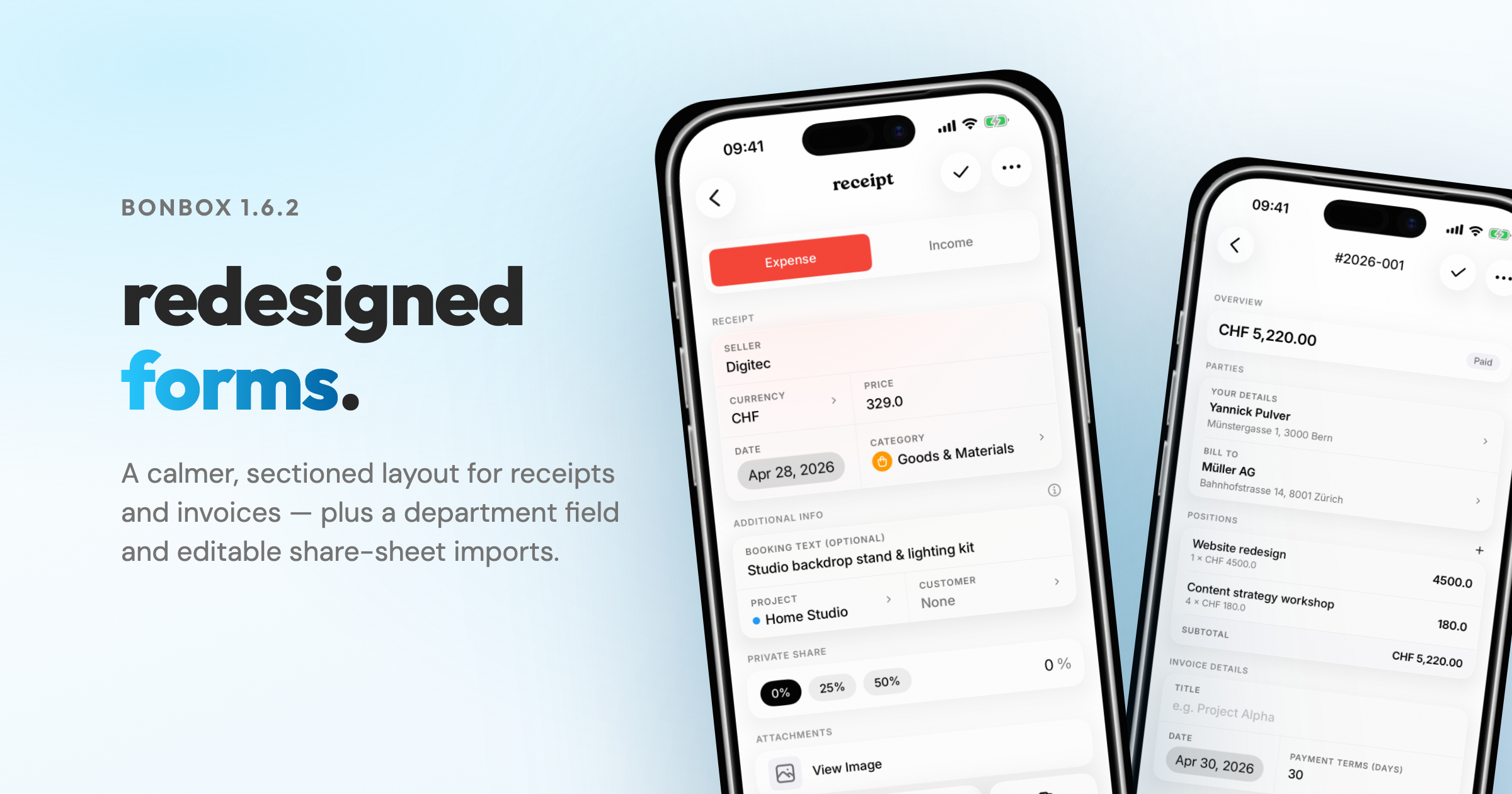
bonbox 1.6.2 — redesigned forms and editable share sheet
Cleaner sectioned layout for receipts and invoices, optional department field, and edit receipts straight from the share sheet.
4 May 2026 · 1 min read
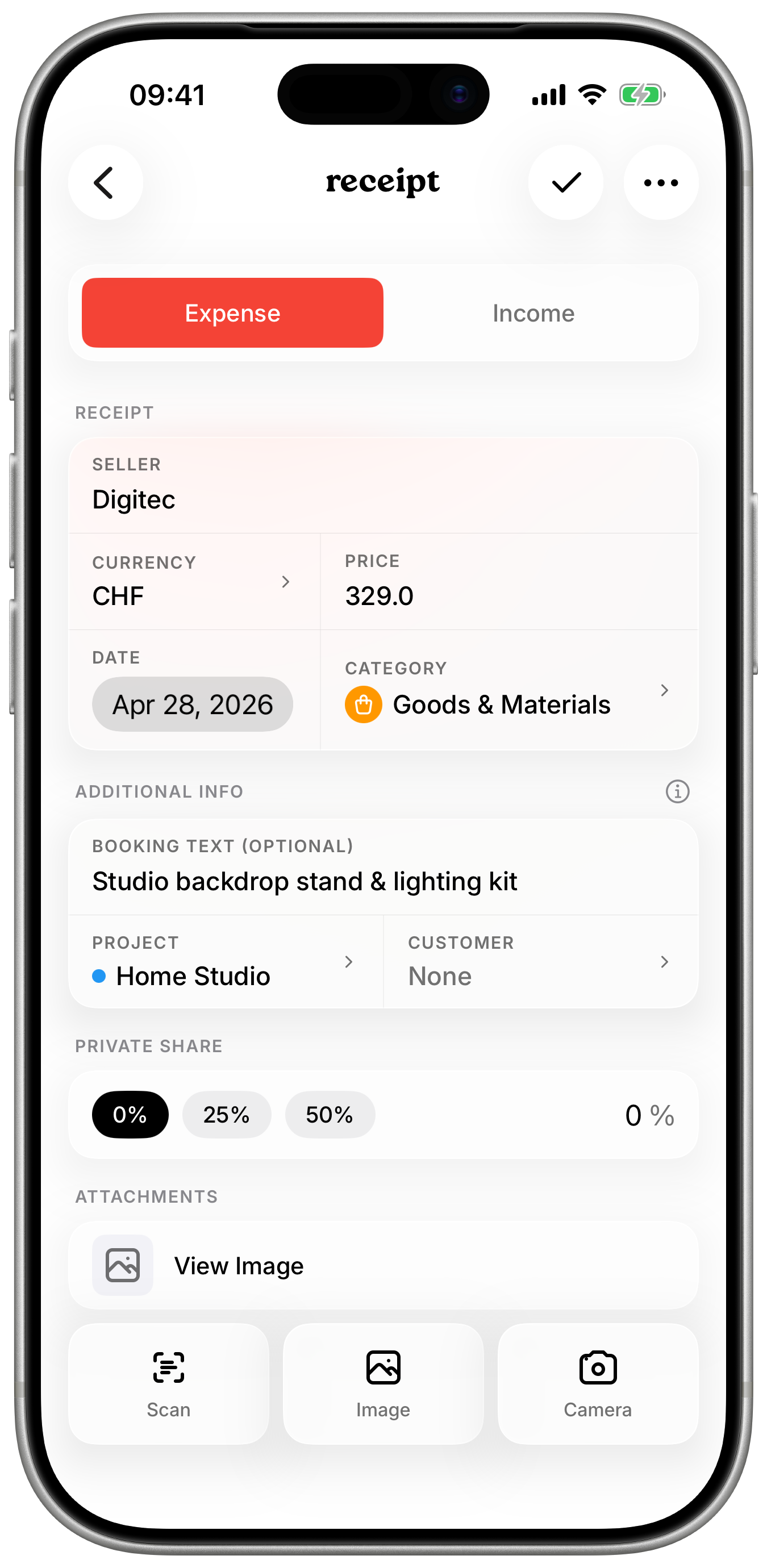
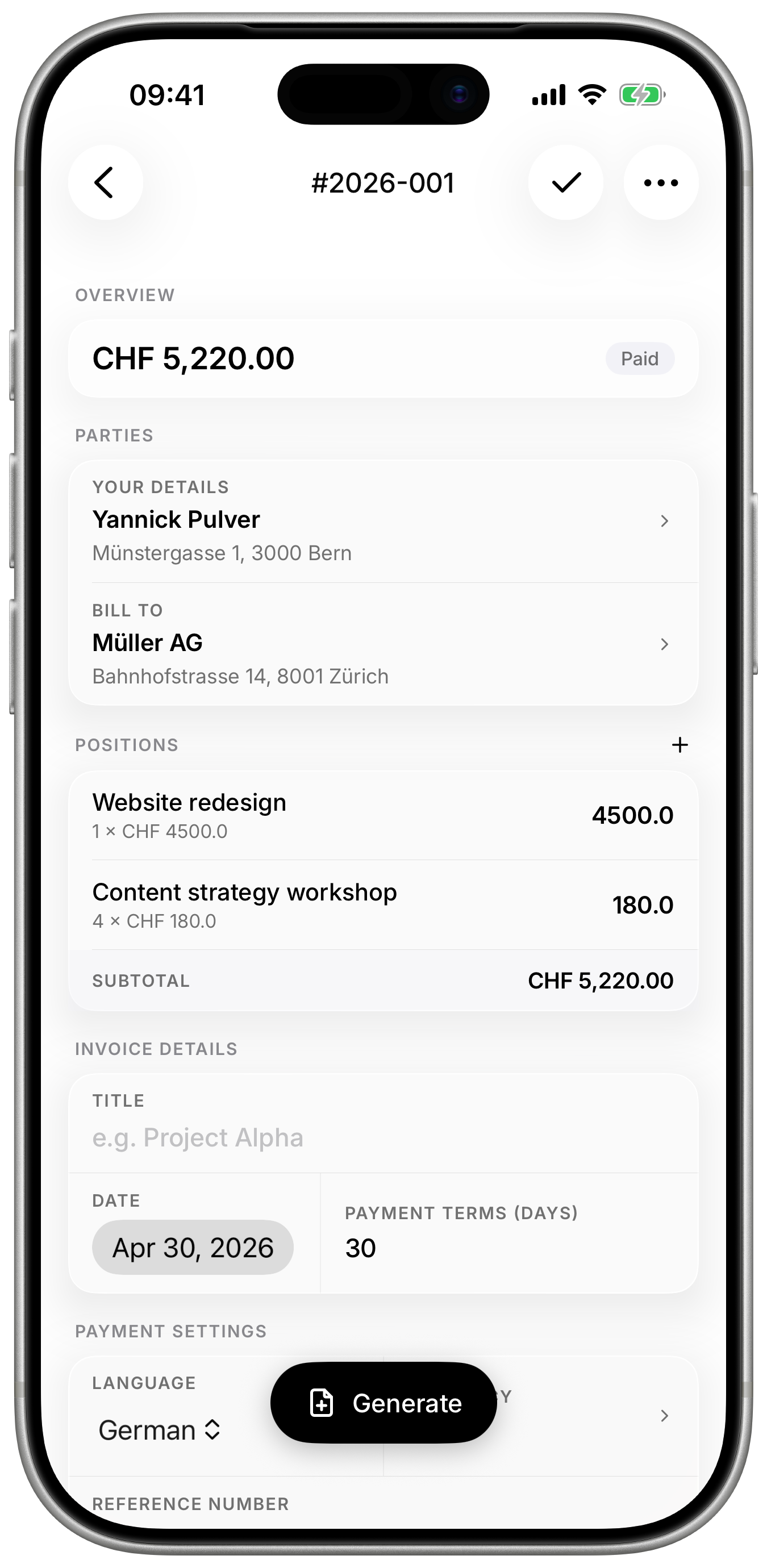
Receipts and invoices: new sectioned layout
The forms got a full pass. Fields are grouped into clear sections so adding a receipt or building an invoice is faster to scan. No new fields you didn't already have — just a calmer, more deliberate layout.
Department field for customers
Some clients need invoices addressed to a specific department. There's now an optional department field on customers — it appears between the name and the street on generated invoices and QR bills.
Edit receipts from the share sheet (iOS)
Share a PDF or image to bonbox and you can now edit everything before saving — booking text, project, customer, category, amount, and date. It works even when bonbox detects a duplicate, so you can decide what to do without leaving the share sheet.
Smaller things
- "Mark as paid" defaults the paid date to today.
- A pile of small polish and bug fixes — tap targets, loading states, edge cases on imports.
Update from the App Store or Google Play — hi@bonbox.io.