Receipts & Scanning
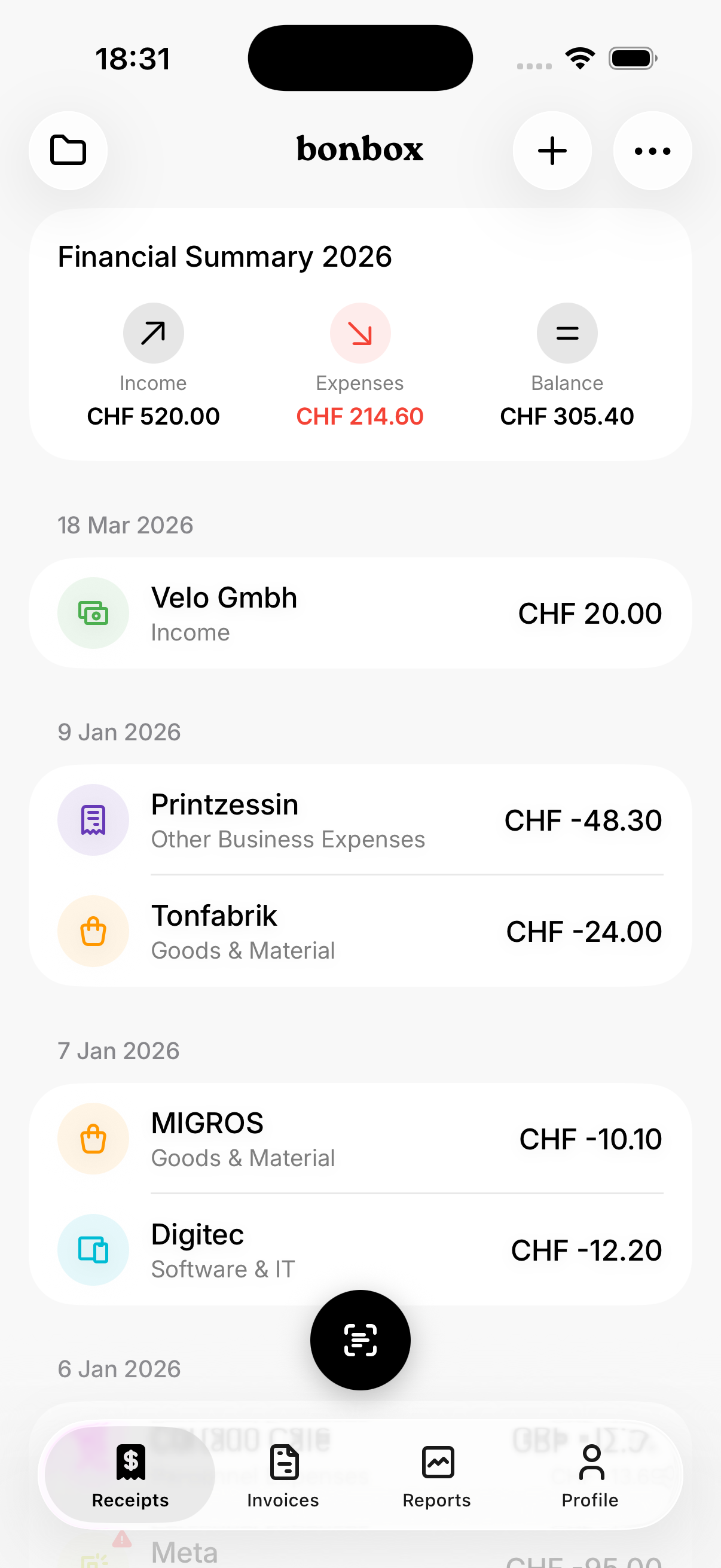
The Receipts tab is your home screen. It shows a financial summary at the top (income, expenses, balance) and all your receipts grouped by date.
Adding receipts
- Snap a photo — OCR extracts amount, date, and vendor
- Import a file — PDF receipts, invoices, or documents
- Import an image — From your photo library
- Add manually — Enter details by hand
Categorization
Each receipt can be assigned a Swiss tax category (Goods & Material, Software & IT, Marketing, Personnel, etc.). When you scan a document, bonbox automatically suggests a tax category. It also learns from your choices — assign a category to a vendor once, and bonbox remembers it for next time. Tax categories align with the Swiss Erfolgsrechnung for your tax return.
Tax report details
Set a private percentage per receipt for mixed-use expenses. Only the business portion counts toward your tax report. Purpose, project, and customer assigned to a receipt also appear in your tax report — giving your accountant more context.
Other topics
Ready to simplify your bookkeeping?
Download bonbox and get started in minutes.